Need to install ionCube Loader?
ionCube protected applications require ionCube Loader in order to run correctly. This is a popular module that you can install with a few easy steps. We recommend using the Loader Wizard helper script to assist as it will outline where to download the correct Loader package for your system and where to upload it as well as giving you a line of configuration for you to copy and paste into your php.ini file.
-
Download the Loader Wizard package from https://www.ioncube.com/loader-wizard/loader-wizard.zip
-
Extract loader-wizard.zip which contains a PHP script named loader-wizard.php. This will create a folder called ‘ioncube’ which contains the Loader Wizard PHP script (loader-wizard.php).
-
Upload loader-wizard.php to your web space so that it runs from your site. For example mydomain.com/loader-wizard.php.
-
If you have problems uploading to your website or accessing the Wizard then please contact your hosting provider for assistance.
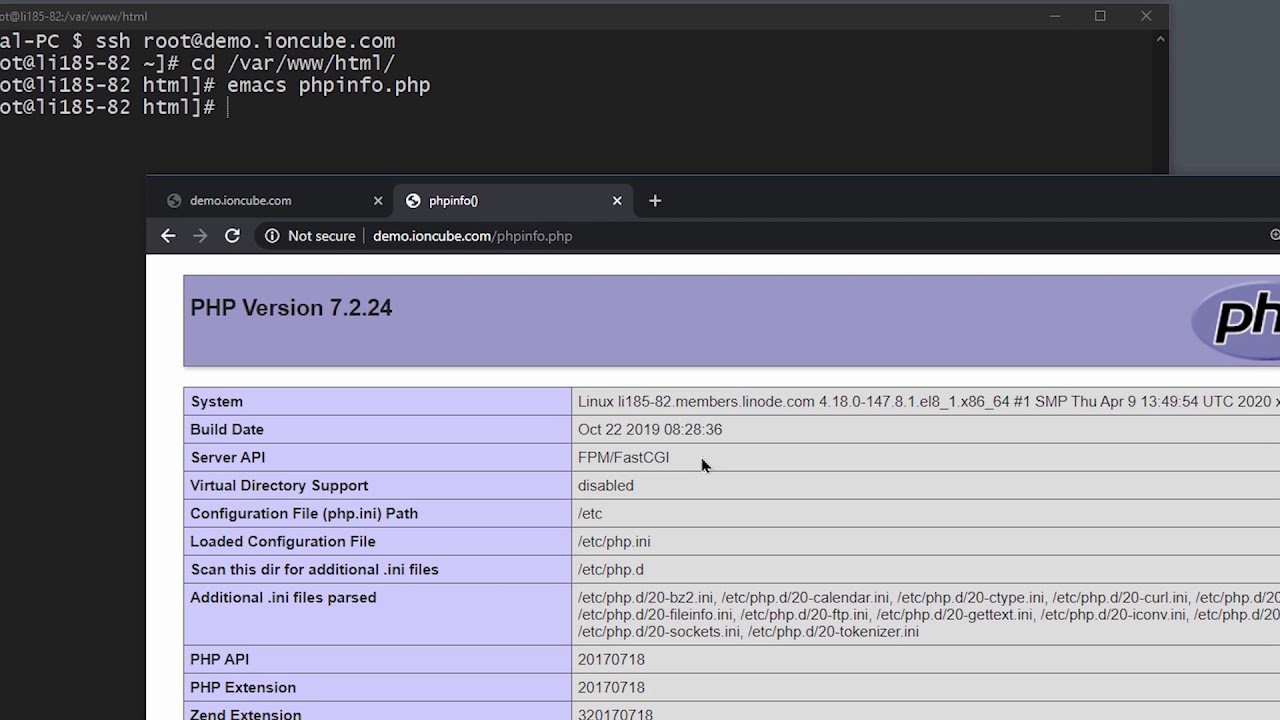
Below is a command-line based installation video for those comfortable with that method. Actual installation via CLI is very quick but we’ve detailed the process in depth here for those needing detailed guidance.
Installing the Loader via the command-line: